
SPONSORED · PRIVATE EMAIL
Explore Proton Mail ↗Proton Mail
Compare encryption scope, account recovery, and migration needs before switching.
Vanishio may earn a commission if you buy through this link.
Close accounts you no longer use, then check what people-search sites, apps and browsers still reveal about you.
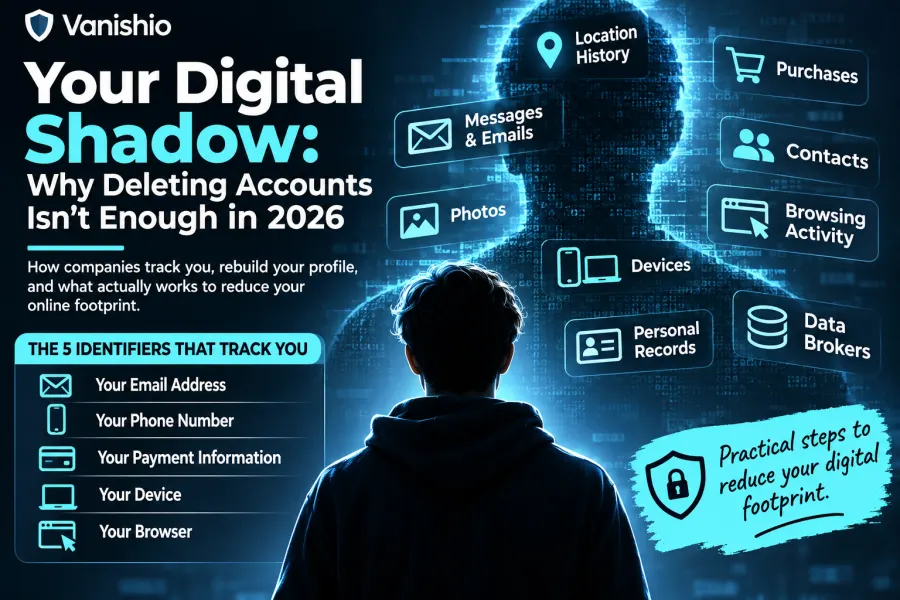
You close an old social media account, then search your name and find your previous address on a website you’ve never used. Closing the account may have helped. The other site could have found the address in a public record or bought it from a data supplier. It has its own copy, and you’ll need to deal with it separately.
Your digital footprint includes information that other companies collected or inferred about you. A store may have your purchase history. A people-search site may list relatives and old addresses. A website may recognize the browser you used yesterday. Each problem calls for a different fix.
Search your name with your city or state. If you find a listing that exposes a home address or phone number you’d rather keep private, confirm it’s yours and use the provider’s official opt-out form. Save the date you sent the request and set a reminder to check again.
An opt-out can remove information from a people-search site while the underlying public record remains accessible. The FTC also warns that information can reappear when public records change. See the FTC’s guide to people-search sites.
Use the Vanishio Data Broker Directory to find listed contact routes and the private request tracker to record follow-ups in your browser. If you’d rather pay for help, compare a service’s coverage, renewal price, and follow-up process before signing up. DeleteMe describes how its subscription handles removal requests.
Affiliate disclosure: Vanishio may earn a commission if you purchase through a link in our DeleteMe vs. DIY comparison.
Try a unique email alias for a newsletter or online store. A forwarding alias lets you receive messages without handing over your main address. If spam starts arriving at that alias, you can check where you first used it. That alone doesn’t tell you who leaked or sold it. Keep aliases active for accounts you still need, especially if you rely on them for password recovery. See Proton’s guide to forwarding aliases.
Skip optional phone number fields if you don’t need the feature they enable. Use a recovery method you expect to keep access to for important accounts. Give each account a unique password and turn on multifactor authentication. Choose a phishing-resistant passkey or security key where supported. See CISA’s guidance on authentication.
If your payment provider offers virtual cards, a virtual number can keep the underlying card number out of the merchant’s checkout form. The merchant may still have the name, shipping address, or email you supplied. Think of it as a way to share less payment information. See Google’s explanation of virtual card numbers.
Start with location, microphone, camera, contacts, and photos. A navigation app may need your location while you use it. Check whether it also has permission to access location in the background and whether you use a feature that needs that access.
On Android, check Settings → Security & privacy → Privacy → Privacy dashboard. Labels vary by device and Android version. On iPhone, open Settings → Privacy & Security to review permissions. If you enable App Privacy Report, it starts collecting information about app access and network activity from that point onward. See Android’s Privacy Dashboard instructions and Apple’s App Privacy Report guide.
Browser fingerprinting combines signals such as screen size, time zone, or graphics behavior to help distinguish one browser from another. Clearing cookies can remove one way to recognize you while leaving those signals available. EFF’s Cover Your Tracks explains how fingerprinting works.
Separate browser profiles or Firefox Multi-Account Containers can help keep work and personal sessions apart. If you sign into the same account in both, the service can still recognize that account. Tor Browser’s fingerprinting protections are designed to make individual browsers harder to distinguish.
For traffic routed through a VPN, websites generally see the VPN server’s IP address. A site you’re signed into can still recognize your account, and using a VPN means trusting another provider with part of your connection. See EFF’s guide to choosing a VPN.
Chrome’s Incognito mode removes the session’s browsing history and site data from your device when you close all Incognito windows. Downloads and bookmarks remain. Websites, your network administrator, or your internet provider may still observe activity. See Chrome’s Incognito documentation.
Before closing an account, export anything you want to keep and check whether you use that login to access other services. Read the provider’s deletion instructions so you know what will be removed and what it may retain. The Vanishio account deletion directory can help you find the relevant page.
Check important email addresses with Have I Been Pwned. It can tell you whether an address appears in breaches the service knows about. A clean result leaves open the possibility of exposure elsewhere. If a password was compromised, replace it on the affected account and anywhere else you reused it.
A credit freeze restricts access to your credit report, which can make it harder for someone to open a new credit account in your name. It has a separate purpose from removing public listings. In the U.S., freezing and unfreezing is free. Contact Equifax, Experian, and TransUnion separately if you want a freeze at all three. See the CFPB’s credit freeze guide.
For a list you can work through at your own pace, open the Vanishio Privacy Checklist.
